


Getting Started with Cricut Design Space
Online
FREE
At a Glance
Category: Craft Machines
Available in English
Beginner
All ages
Class Description
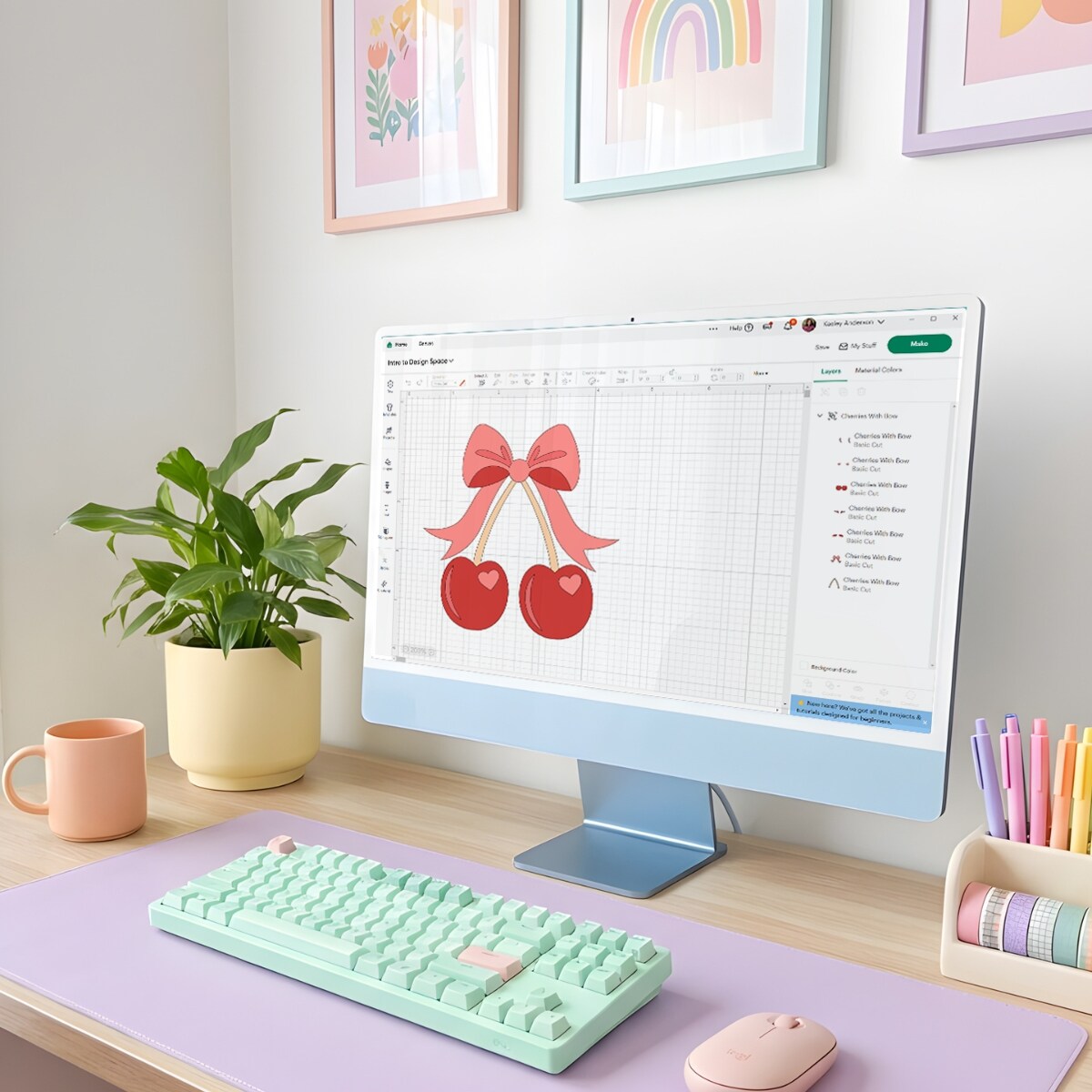
This class is perfect for anyone just getting started with Cricut or for those who haven't opened Design Space in a while. Kesley will focus on the basics of navigating the Design Space Canvas, helping you understand where things live, how to move around the screen, and how to feel comfortable creating from the very beginning.
Along the way, Kesley will also take a look at some newer features like Guided Design Flows, updated tools, Create AI, and the new preview experience, so you know what they are and when to use them. After the workshop, you will have a solid foundation, less overwhelm, and the confidence to open Design Space and start creating on your own.
What Else to Bring
This is a demonstration style class. No craft supplies are required. Participants are encouraged to bring a device with Cricut Design Space installed so they can follow along, along with a pen and paper for notes.
We would love to hear from you!